



Best AI smart glasses 2026 — that’s what you’re after if you’ve noticed this category exploding this year. What used to be a gimmick is now one of the fastest-growing gadget categories around — Meta alone sold millions of pairs of its AI glasses, and rivals like Google, Xreal, and RayNeo have jumped in with serious competition. If you’re wondering whether it’s finally worth buying a pair, here’s your no-nonsense guide to the best picks out right now.
We’ve broken these down by what you actually want the glasses to do — because “smart glasses” now covers two very different products: camera/AI glasses that talk back to you, and display glasses that show you a screen. Whichever direction you lean, there’s a solid option below at almost every budget.
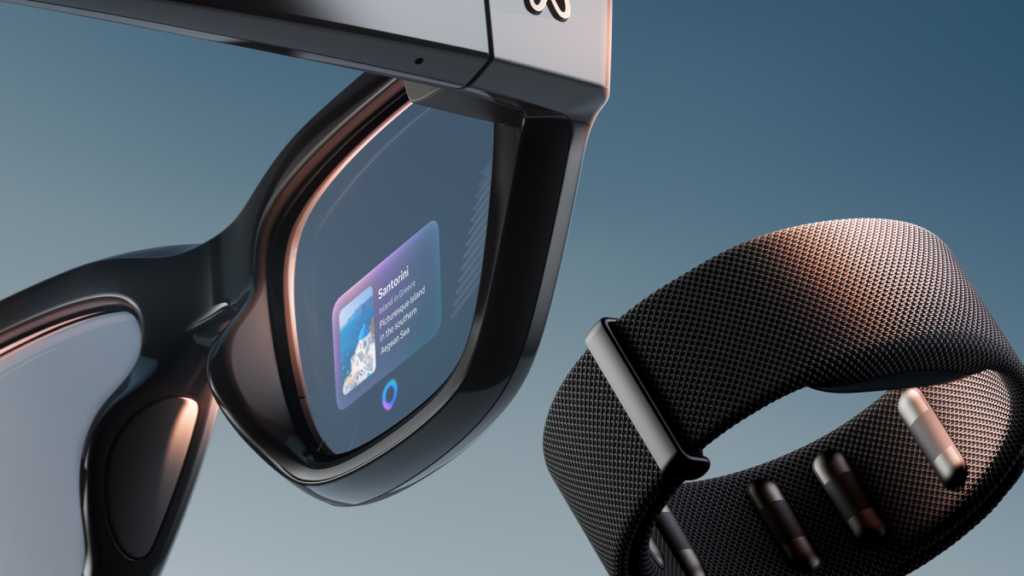
Best Overall — Ray-Ban Meta Gen 2 (Best AI Smart Glasses 2026 Pick) — ~$379
If you want one pair that does it all — built-in camera, AI assistant, music, calls — this is the safest and most polished pick. It looks like a normal pair of Ray-Bans, so you’re not walking around looking like a tech reviewer. Battery life comfortably covers a full day of regular use, and the AI assistant can answer questions about what you’re looking at, translate signs, or snap a photo without you touching your phone. Best for: everyday wear, content capture, hands-free AI questions.
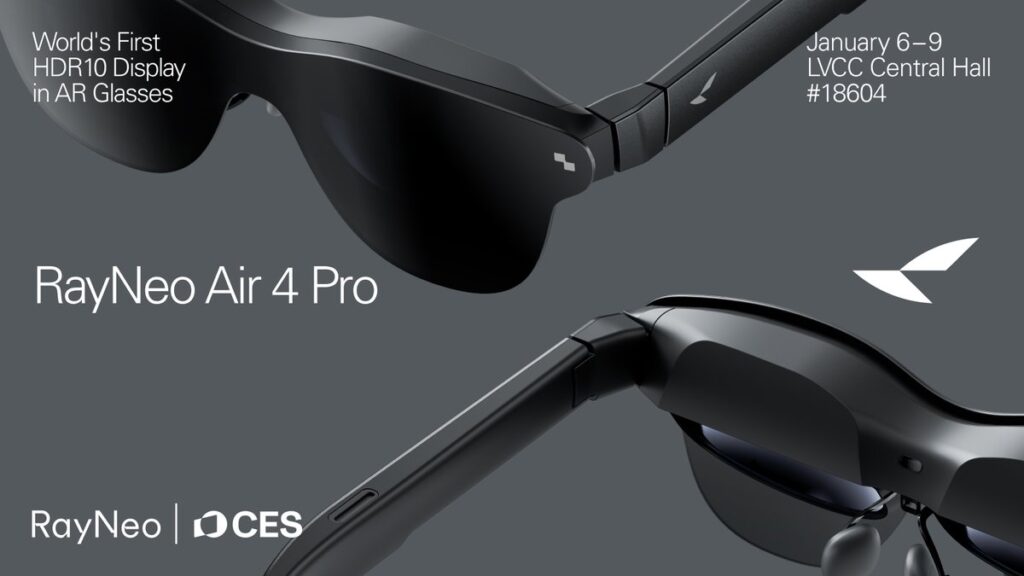
Best Budget Display Glasses — RayNeo Air 4 Pro — ~$299–$399
If you want an actual screen — for movies, gaming, or working on a bigger virtual display — this is the value king. It has a sharp 1080p HDR panel at a price nobody else is matching right now, plus improved speakers and a 120Hz refresh rate that makes fast motion look smooth rather than blurry. It tethers to your phone, laptop, or console over USB-C, turning it into a private, portable “big screen.” Best for: travelers, mobile gamers, anyone who wants a private big-screen experience without a headset.
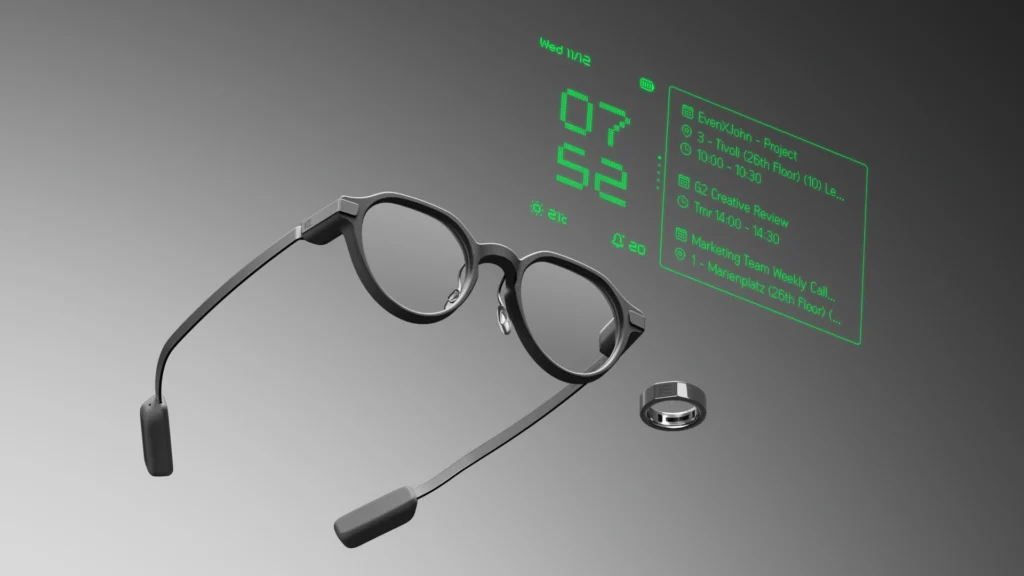
3. Best Minimalist / Everyday HUD — Even Realities G2 — ~$399–$599
These look like ordinary prescription glasses but quietly show you text — directions, notifications, translations — without a camera or bulky design. There’s no screen filling your whole field of view; instead it’s a subtle, glanceable overlay that stays out of the way until you need it. Best for: people who don’t want to look like they’re wearing tech, or who need discreet information on the go (meetings, public speaking, travel).
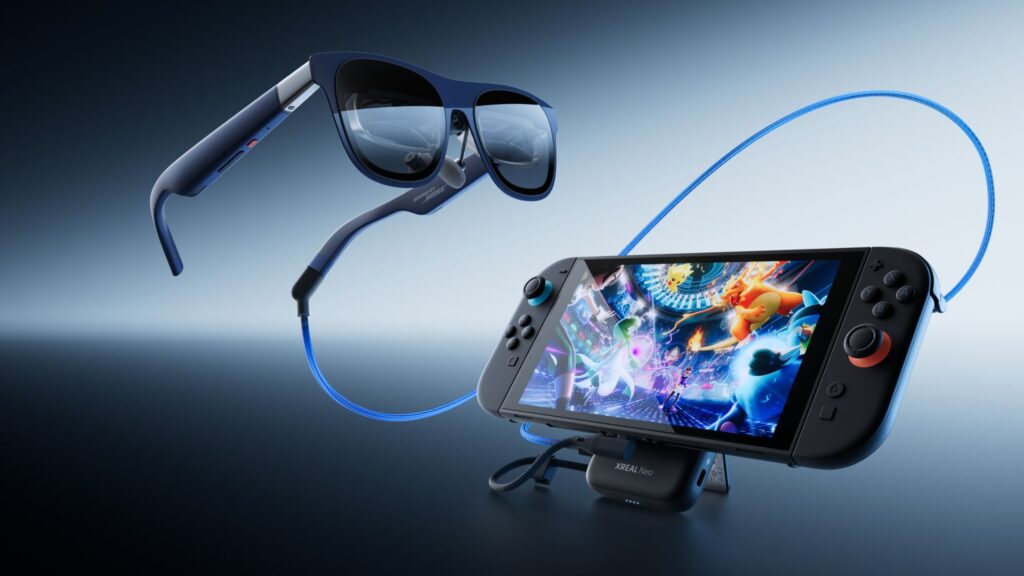
4. Best for Travel / Media — Xreal One / Xreal 1S — ~$449–$499
Bigger, sharper virtual screen with head tracking, great for watching content or working from a laptop/phone on a flight. The head-tracking feature means the virtual screen stays anchored in place as you move, which makes a real difference on a bumpy flight or train ride. Best for: frequent flyers and anyone who wants a private “big screen” wherever they are.
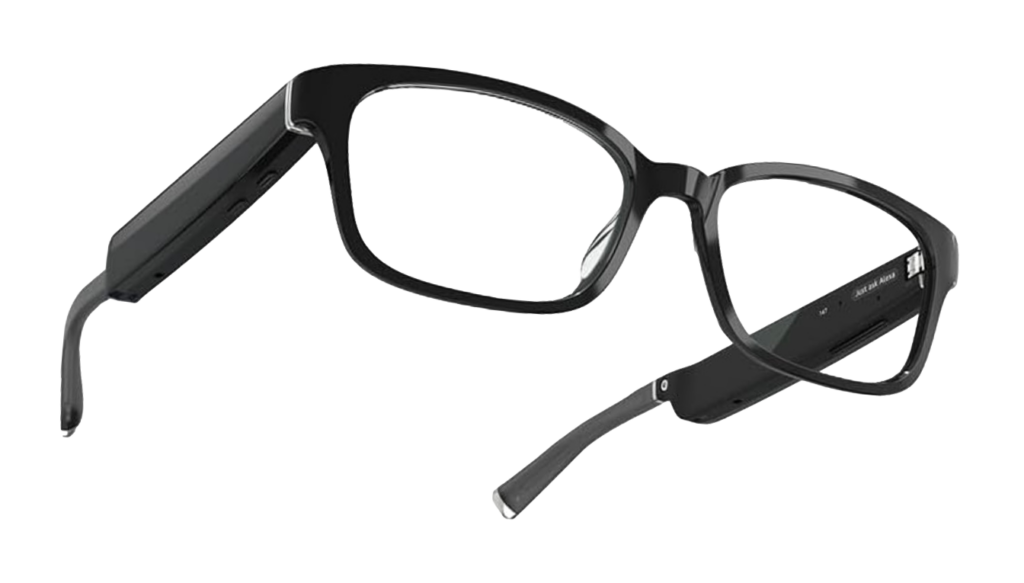
5. Best Audio-Only Option — Amazon Echo Frames — ~$250
No camera, no display — just Alexa, calls, and music in a lightweight, affordable frame. If all you actually want is hands-free audio and assistant access without paying for a camera or screen you’ll rarely use, this is the simplest and cheapest way into the category. Best for: people who just want hands-free audio and assistant access without spending big.
Prices and availability change often — always confirm the current price before buying.
Quick Buying Advice
- Want AI + camera in a normal-looking frame? → Ray-Ban Meta Gen 2
- Want a big virtual screen for movies/gaming? → RayNeo Air 4 Pro (budget) or Xreal One (premium)
- Want subtle notifications without looking like a tech gadget? → Even Realities G2
- Just want hands-free audio on a budget? → Echo Frames
Among all these, the best AI smart glasses 2026 has to offer really come down to one question: do you want a camera and assistant, or a screen? Once you answer that, the right pick above becomes obvious.
One thing to check before buying any display-based pair: they usually need a USB-C video output from your phone or laptop, so confirm your device supports it before you order.
Prices and availability change often — always confirm the current price before buying.